



News
-
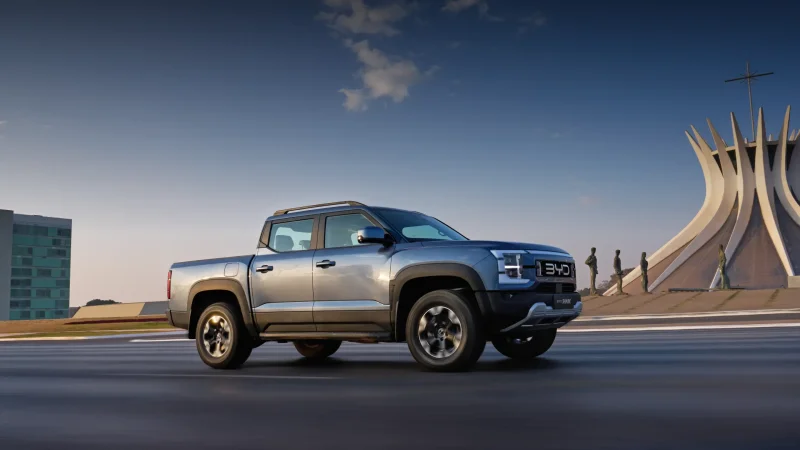
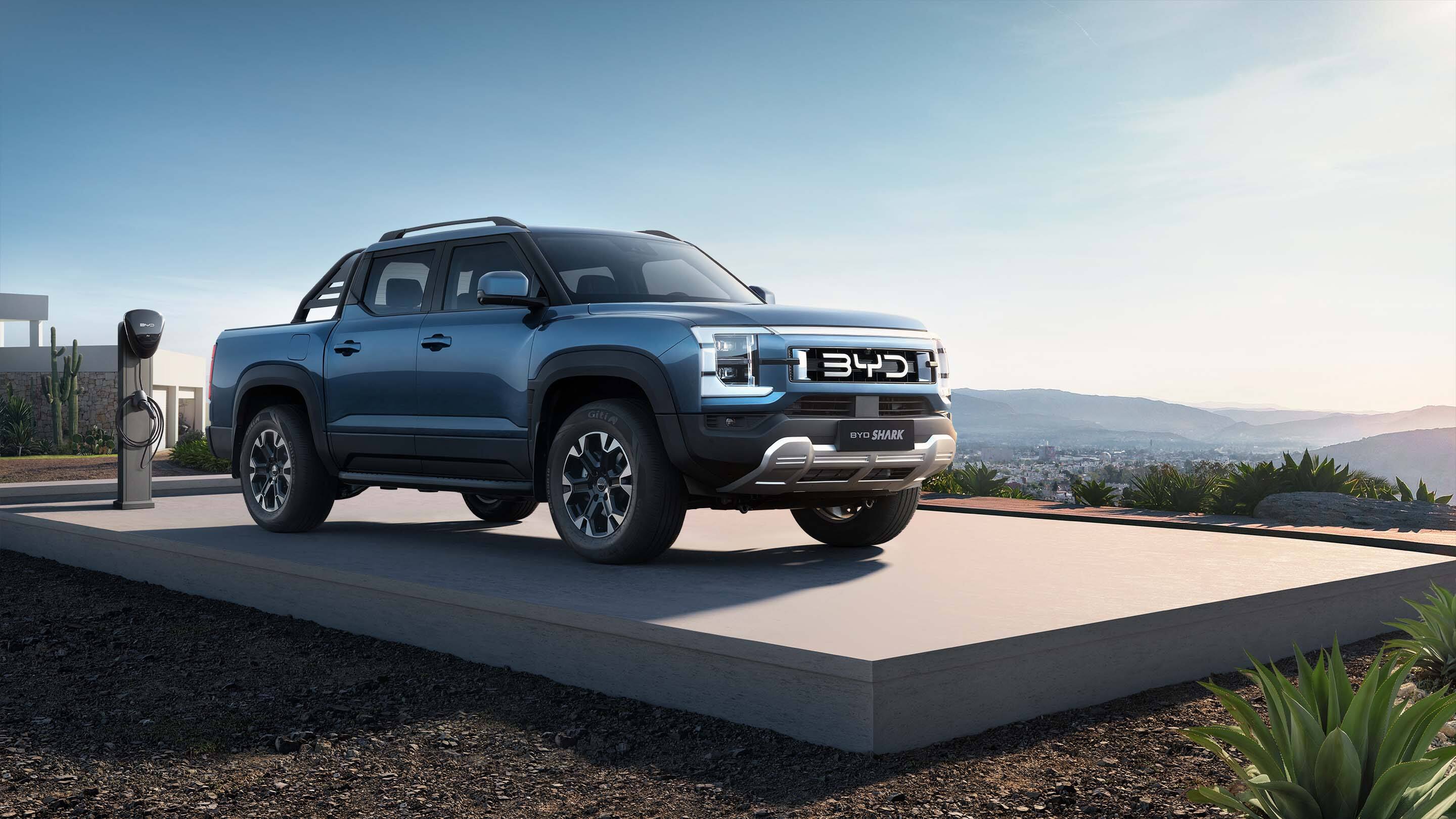
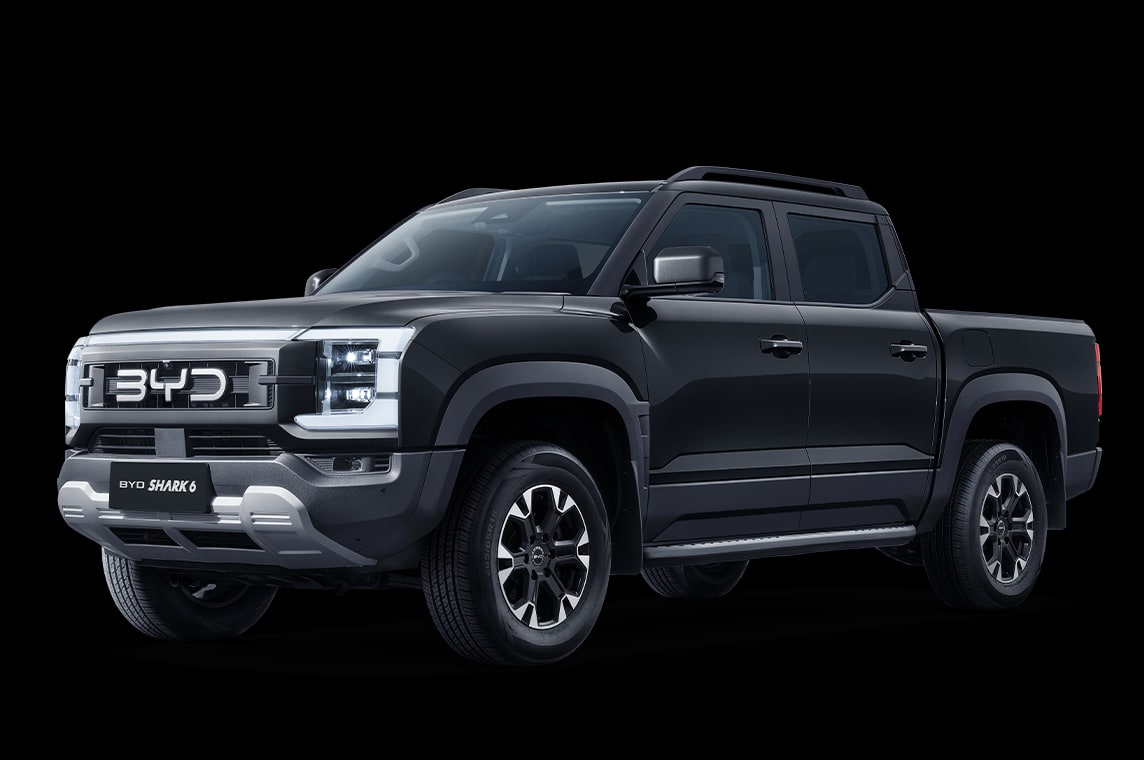
The 2026 BYD Shark GS costs MXN 969,800 in Mexico. The 2027 Ford Ranger Wildtrak 4×4 lists at MXN 988,000. The MXN 18,200 difference buys two very different approaches to a double-cab pickup. The Shark can cover local trips on plug-in power. The Ranger is rated to tow an extra tonne. Prices and equipment were checked on 10 November 2026. BYD Mexico configurator · Ford Mexico price list. Why the Ranger is the closer Ford The Shark measures 5,457 mm from bumper to bumper, 107 mm longer than the
-
For European buyers considering BYD’s SHARK, the headline figures describe two different operating conditions. BYD quotes up to 105 km of electric range and up to 1,040 km of combined range, both measured under the WLTP test procedure. The SHARK is also listed by Euro NCAP as a five-door 4x4 pickup. Those figures should not be read as two versions of the same range. The 105 km figure is the quoted distance available using electric power in the relevant WLTP measurement. The 1,040 km figure is
-
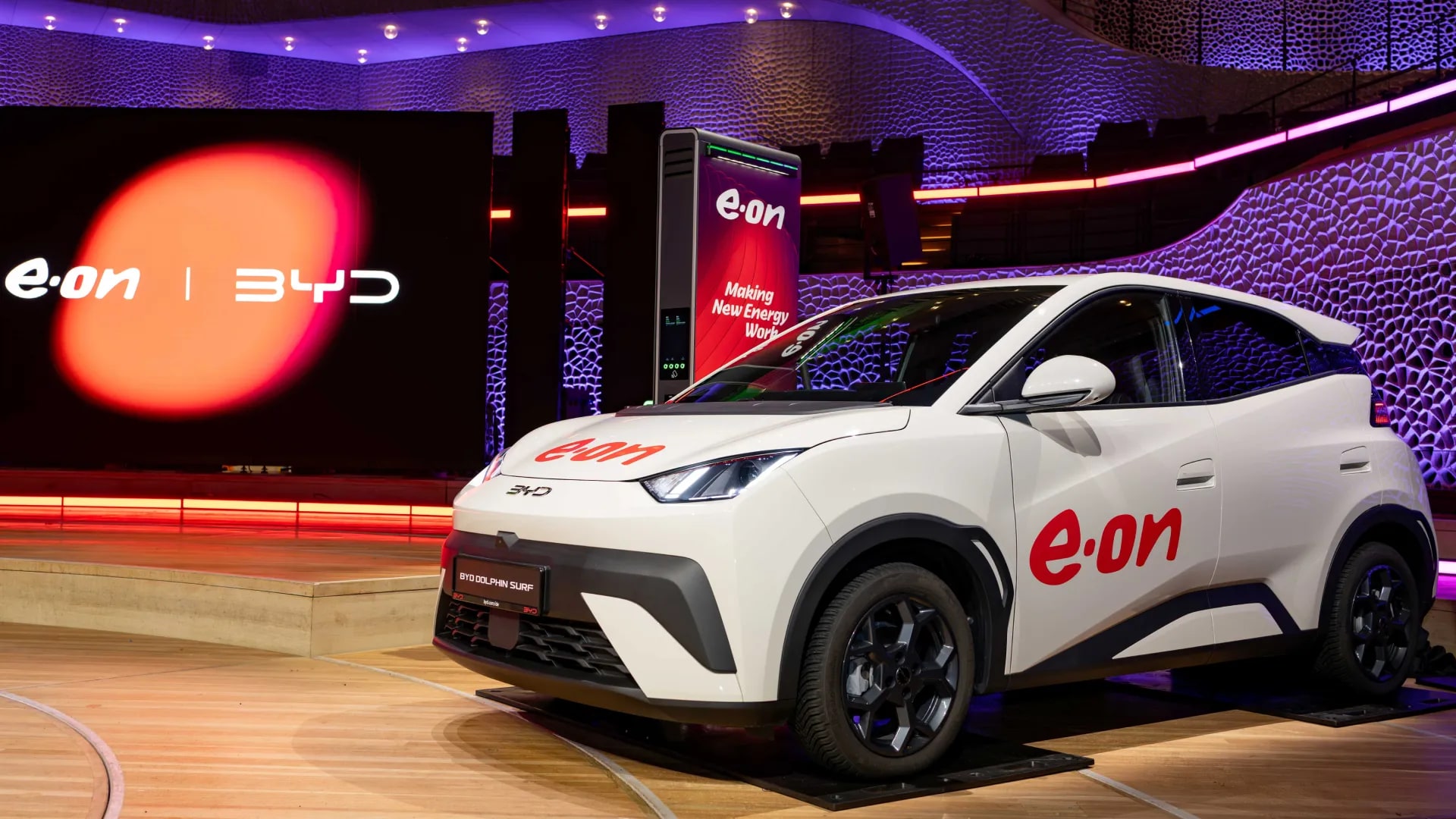
BYD and energy company E.ON have launched a home-charging offer in Germany that can provide qualifying customers with a stated benefit of about €20 per month for at least 24 months. The programme applies to all BYD battery-electric vehicles and Super Hybrid models using DM technology, according to BYD. The offer is based on smart charging rather than a simple discount for plugging in at home. Customers use the My E.ON app to set their intended departure time and the desired battery level. Smar
-
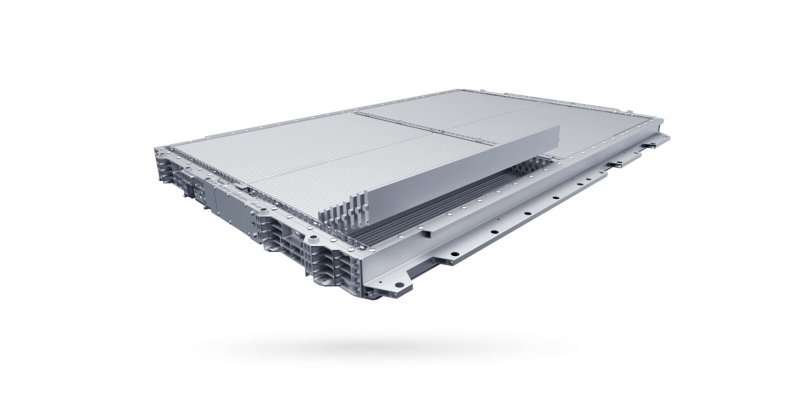
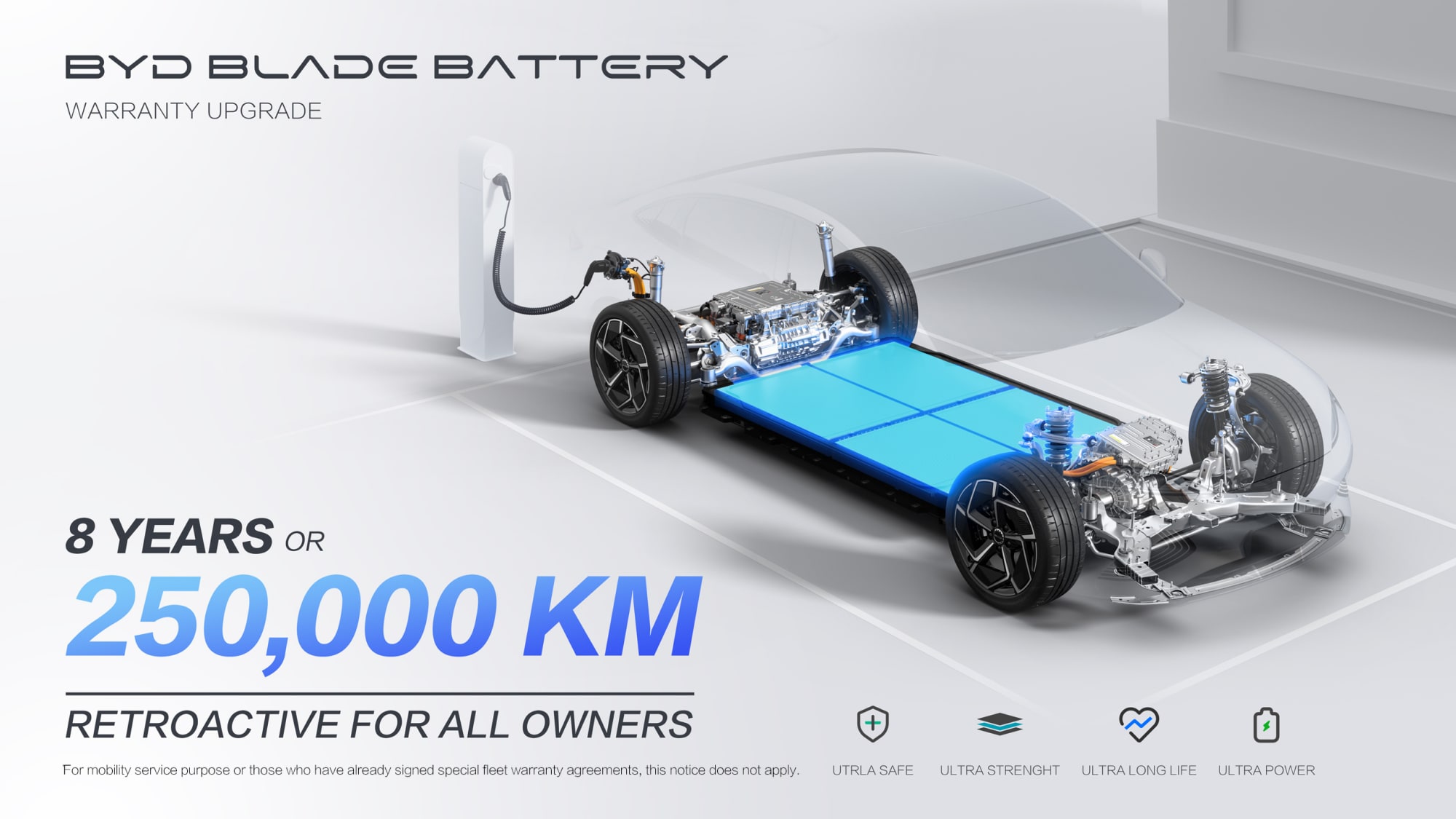
BYD has extended its Blade Battery warranty in the European Economic Area (EEA) to eight years or 250,000 km, whichever comes first, according to the company’s January 2026 announcement. BYD says the revised cover applies both to new purchases and to existing owners. The stated battery condition is a minimum 70% state of health under the extended EEA cover. This is not a single Europe-wide figure for every market. BYD’s UK warranty page lists battery cover as eight years or 200,000 km (125,000
-
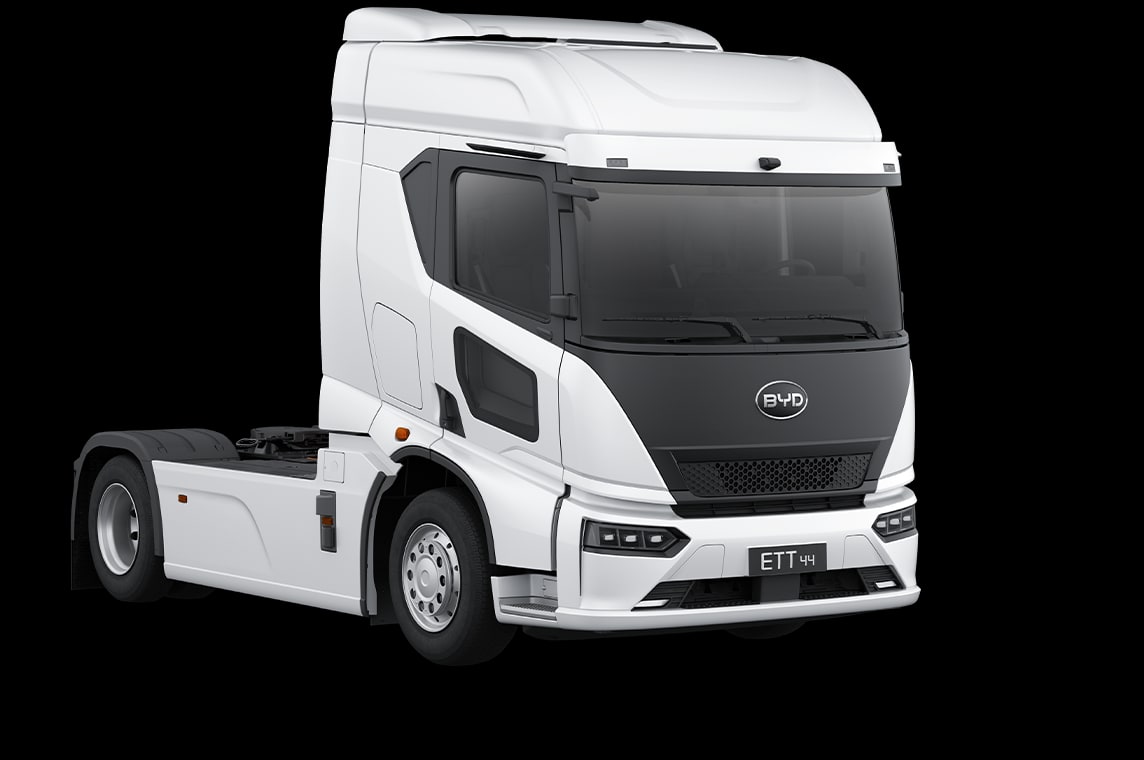
The BYD ETT 44 has received a five-star rating in Euro NCAP’s commercial-vehicle safety assessment, alongside the organisation’s CitySafe recognition. The headline result is strong, but the detailed scores show why the rating needs to be read as more than a single number: the electric truck performed particularly well in areas linked to driver awareness and visibility, while some collision-avoidance functions did not match the leading performers. Euro NCAP awarded the ETT 44 a score of 89% for


Forums
-
BYD Electric Cars
-
Find buying advice, Blade Battery discussions and owner reports for the original BYD DOLPHIN electric hatchback, including DOLPHIN PLUS and DOLPHIN SE.
- 0 posts
-
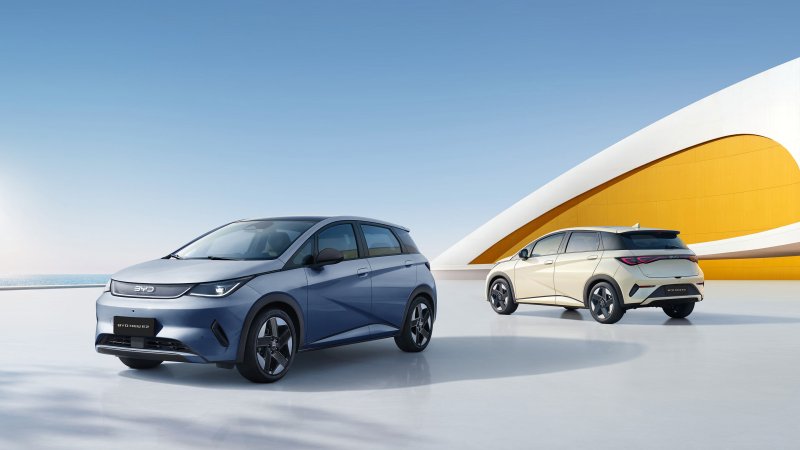
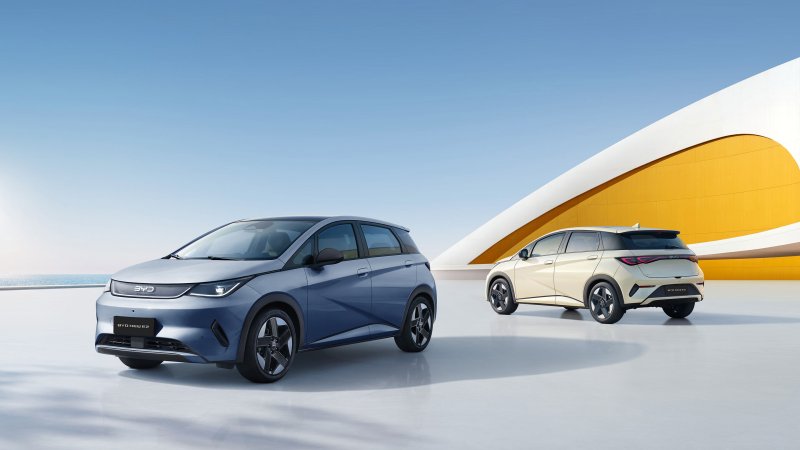
An owners' forum for the DOLPHIN SURF city EV and regional DOLPHIN MINI and SEAGULL versions. Compare local trims, charging and everyday use.
- 0 posts
-
Discuss the ATTO 2 EV compact SUV and electric YUAN PRO and YUAN UP variants. Find local trim comparisons, charging advice and owner experiences.
- 0 posts
-
Owners of the original BYD ATTO 3 and YUAN PLUS can compare model years, Blade Battery performance, charging and the rotating-screen cabin here.
- 3 posts
-
The ATTO 3 EVO forum covers the updated electric SUV, including European Design RWD and Excellence AWD, faster charging and the new front trunk.
- 0 posts
-
Discuss the BYD SEAL electric sedan, from rear-drive and AWD versions to Blade Battery technology, long-distance charging and life with a low sedan.
- 3 posts
-
Explore the SEALION 7 electric SUV, including RWD and AWD trims, Blade Battery sizes, charging on longer journeys and cabin and cargo equipment.
- 3 posts
-
The SEAL U EV and SONG PLUS EV forum covers the battery-electric family SUVs, including market-specific trims, charging and practical ownership.
- 0 posts
-
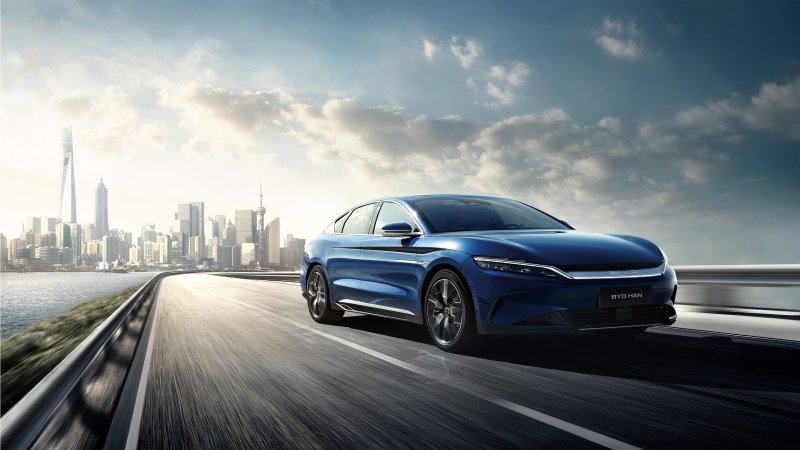
An owners' forum for the HAN EV electric sedan. Compare regional versions, Blade Battery and AWD systems, charging and rear-seat comfort.
- 3 posts
-
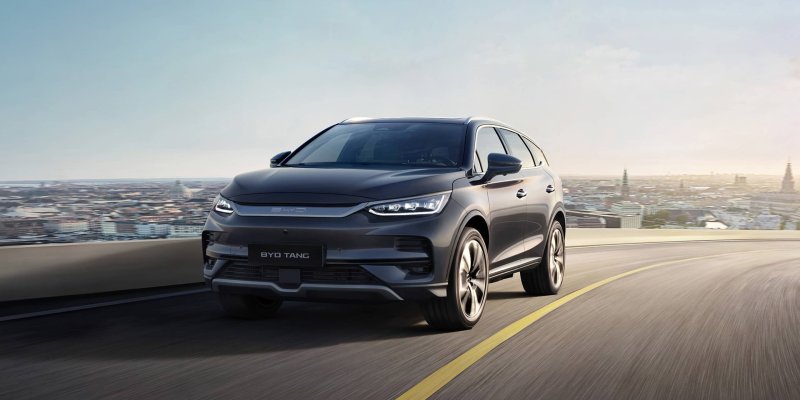
Discuss the three-row TANG EV and Brazilian TAN, with separate comparisons by model year for Blade Battery, AWD, charging and seven-seat use.
- 0 posts
-
An owners' forum for the BYD e2 electric hatchback, including Uruguay's NEW E2. Discuss local versions, charging, equipment and daily driving.
- 0 posts
-
-
BYD Super Hybrids
-
The DOLPHIN G DM-i forum covers BYD's compact plug-in hybrid hatchback, from Active and Boost choices to electric commuting and longer hybrid trips.
- 0 posts
-
Compare ATTO 2 DM-i, YUAN PRO DM-i and YUAN UP DM-i plug-in hybrid SUVs, with separate discussion of European trims and Brazilian Flex versions.
- 0 posts
-
Find SEALION 5 DM-i buying advice, Comfort and Design comparisons, plug-in hybrid charging discussions and practical reports from family SUV owners.
- 0 posts
-
Discuss the SEAL 5 DM-i and Latin American KING DM-i plug-in hybrid sedans, including local trims, charging, fuel economy and ownership reports.
- 3 posts
-
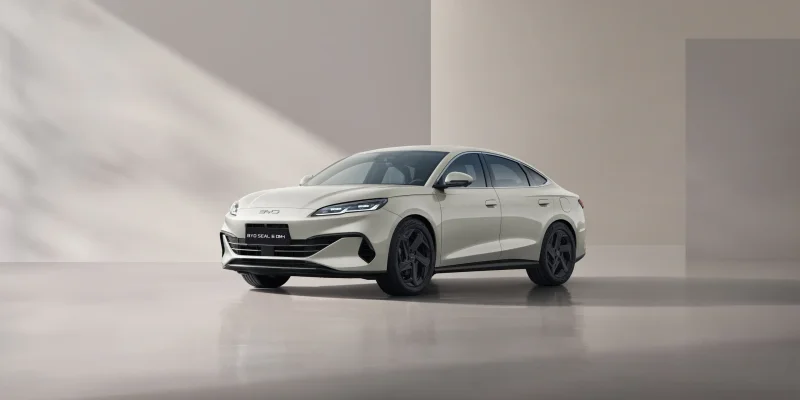
The SEAL 6 DM-i sedan forum covers European Boost and Comfort choices, Blade Battery and hybrid operation, charging and sedan-specific ownership.
- 0 posts
-
An owners' forum for the SEAL 6 DM-i TOURING plug-in hybrid wagon. Discuss charging, electric commuting, cargo space and practical long-distance use.
- 0 posts
-
Find discussions on the SEAL U DM-i and SONG PLUS DM-i family SUVs. Compare regional trims, front- and all-wheel drive, charging and ownership.
- 3 posts
-
Discuss the SONG PRO DM-i plug-in hybrid SUV, including Brazil's Flex versions, electric range, local trim equipment and everyday family use.
- 0 posts
-
Discuss ATTO 8 plug-in hybrids for the Americas, including DM-i and DM-p versions. Compare three-row use, batteries, charging and equipment by country.
- 0 posts
-
Discuss the BYD SHARK DMO plug-in hybrid pickup, from towing and off-road driving to Blade Battery charging, bed equipment and owner builds.
- 3 posts
-
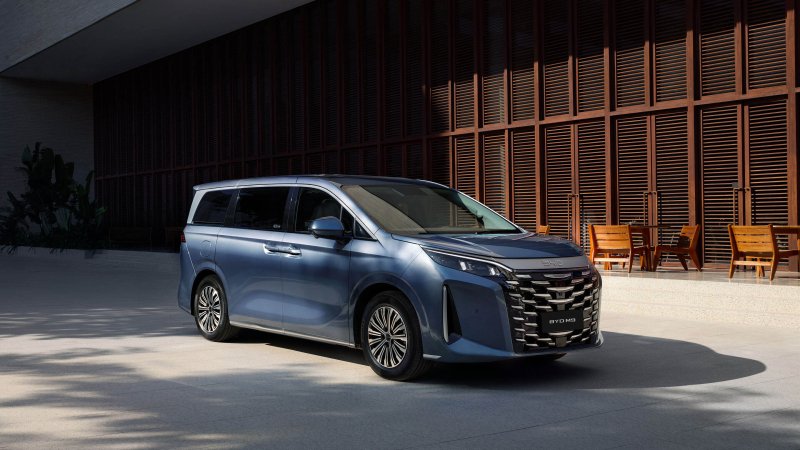
Find buying advice and owner discussions for Mexico's BYD M9 DM-i three-row plug-in hybrid MPV, including charging, cabin setup and family travel.
- 0 posts
-
The Ti7 DM-p forum covers the plug-in hybrid SUV listed in Peru and Panama, with local trim, powertrain, charging and ownership discussions.
- 3 posts
-
-
Technology & Ownership
-
Compare BYD Blade Battery design, battery health, thermal management, regenerative braking and electric or hybrid drivetrains. Name the model and version.
- 1 post
-
Discuss BYD home charger selection, installation and public charging in Europe and the Americas. Compare connector standards, charging apps and roaming.
- 2 posts
-
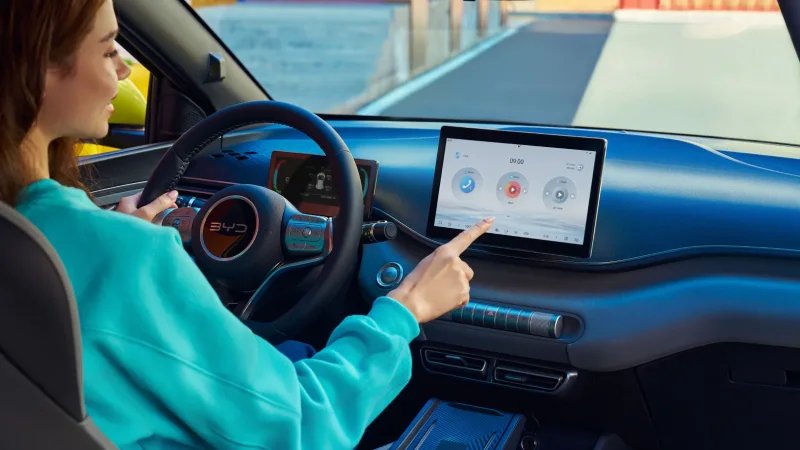
Discuss BYD app setup, digital keys, remote controls and OTA updates across models. Include your country, vehicle and software version when asking for help.
- 0 posts
-
Compare BYD dealer and workshop experiences, service schedules and warranty coverage. Identify the country, model year and applicable warranty terms.
- 0 posts
-
Plan BYD journeys with realistic energy use, charger stops and weather. Share the car, route, cruising speed and load when comparing predicted and real range.
- 0 posts
-
Discuss BYD vehicle registration, EV incentives, road taxes and insurance by country. Date your information and link to the authority or provider involved.
- 0 posts
-
-
Community & Lifestyle
-
Find BYD owner meetups, group drives and public events in Europe and the Americas. Include the city, date and organizer when sharing an event.
- 0 posts
-
Talk with the BYDbase community about hobbies, technology, travel and daily life outside model-specific discussions.
- 0 posts
-
Compare BYD models with each other and with competing cars. Share independent reviews, test drives and range tests with the version and test conditions.
- 0 posts
-
Share BYD road-trip reports from Europe and the Americas. Cover routes, charging or refueling stops, luggage and places to stay with charging access.
- 1 post
-
-
About BYDbase
-
Follow announcements from the BYDbase team about forum features, maintenance, category changes and community updates.
- 0 posts
-
Get help with BYDbase accounts, posting, photos or site navigation. Describe what happened or suggest a change that would improve the forum.
- 0 posts
-